


Made in Germany · ISO 27001 · GDPR-compliant
LMS Evaluation – Checklist for a Structured Comparison
Your One-Stop Resource for All Guides & Checklists
Are you facing the decision to implement a new LMS or replace an existing system? Then you’re familiar with the risk: Demos are convincing, but only a structured comparison can reveal whether a system truly fits your organization—technically, financially, and in the day-to-day work of administrators, trainers, and learners. This page summarizes the 8 key areas that should be examined in any serious LMS evaluation and provides links to in-depth guides on costs, the trial phase, and vendor selection if you’d like to delve deeper.
Overview of Features
Checklist
Security
Criteria

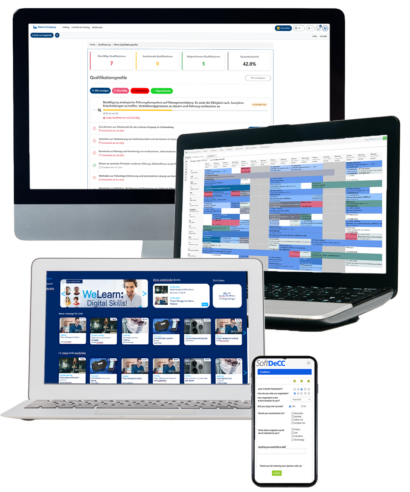

Requirements for an LMS Evaluation
What an LMS Evaluation Must Achieve
Evaluating a learning management system (LMS) is a strategic decision—not merely a matter of selecting software. Anyone who implements an LMS shapes the entire learning process within the organization: technical infrastructure, administrative processes, compliance documentation, and the learner experience. A structured, criteria-based analysis is therefore not an option, but a prerequisite.
User-friendliness and technical standards are the bare minimum. In professional training centers and academies, system integration is the deciding factor: The LMS must be able to integrate into existing HR, ERP, and CRM systems while remaining scalable to accommodate growing numbers of users and content.
For compliance-related training—such as occupational safety or mandatory GDPR training—there is an additional requirement: audit-proof, exportable record-keeping that requires no manual follow-up work.
Criteria - Evaluation
LMS Evaluation: More Than Just a Functionality Check
Features are just the bare minimum. The real questions to consider are: Does the system fit into our IT landscape? Who is liable for compliance violations resulting from incomplete learning records? Does the platform scale with our growth without causing a disproportionate increase in costs?
A well-structured LMS evaluation highlights these risks and provides planning certainty before implementation begins.
✓
Technical Requirements – Key Decisions for LMS Operations
✓
Trust and Security —The Foundation for Successful Collaboration
✓
Needs Assessment – What Are the Requirements of Learners and Administrators? LMS Requirements / Specifications
✓
Cost Assessment – What are the initial and long-term costs associated with the LMS?
✓
Test Phase – A pilot phase with real users and actual processes will show whether the LMS is truly a good fit for your learning infrastructure—not just in the demo.
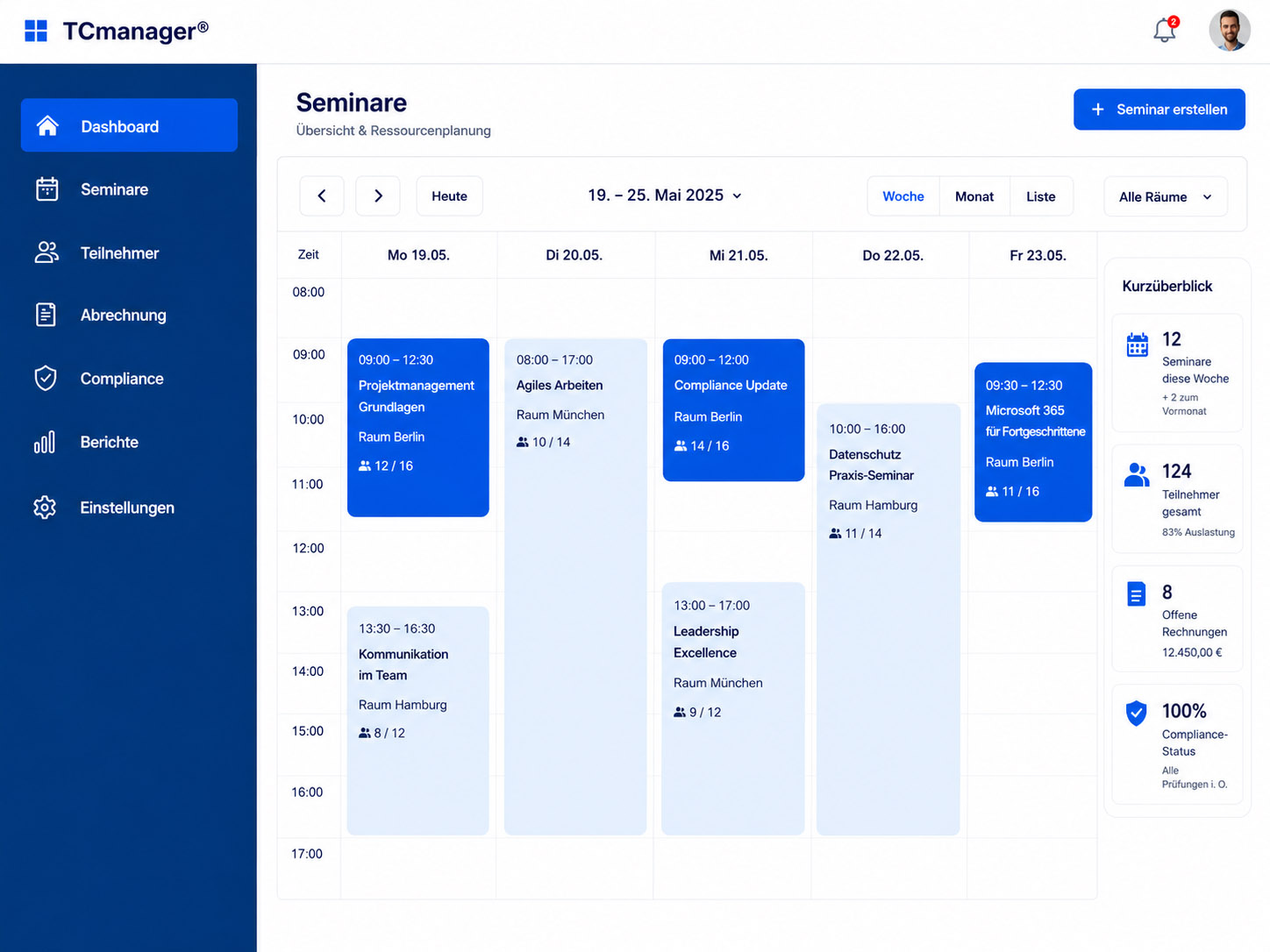
8 Core Areas
The LMS Checklist: 8 Key Areas for Comparison
User Experience (UX)
• User Interface: Administrators, instructors, and learners must be able to use the system without extensive training. A short learning curve is a measurable quality indicator—and not something that can be taken for granted.
• Mobile Accessibility: For training centers with field staff or decentralized locations, “mobile-first” isn’t an option—it’s a must. Test the system on actual mobile devices, not just in browser simulation mode.
• Learning portals: Check whether the LMS allows for portals tailored to specific target groups—for example, separate access for internal employees, external service partners, and customers.
Content Management
• Format support: The LMS must support all relevant formats—SCORM 1.2 and 2004, xAPI (Tin Can), AICC, PDF, video, and ILT (Instructor-Led Training) sessions. Check the upload methods: drag-and-drop, bulk import, or API interface.
• Multilingualism: For companies with international locations or partner networks, multilingualism at the content and system levels is a must-have—not just an optional feature.
Integration and Compatibility
• System integration: Integration with HR systems (SAP HCM, Workday), CRM, and ERP solutions eliminates the need for manual data maintenance. Check for REST API availability, SSO support (LDAP/Active Directory, SAML 2.0), and existing connector libraries.
• Standard Compliance: SCORM and xAPI are required. Also check for LTI support for external content integration and AICC support for older course content.
Reporting and Compliance Documentation
• Audit-ready tracking: For compliance-related training—occupational safety, GDPR, data protection training—complete, exportable records of audit-quality are required. Reports that can be edited retroactively are not sufficient.
• Certification Management: Automatically issued certificates with defined validity periods and a reminder function for refresher training are standard for professional academies—check to see if the system handles this without manual intervention.
Scalability and Flexibility
• Licensing and Performance Scaling: If the number of users grows from 500 to 5,000, the system must not slow down or become disproportionately more expensive. Address the licensing model and infrastructure scaling together—not separately.
• Learning paths and formats: Self-directed learning, blended learning, and in-person training must all be supported within the same system—with personalized learner journeys and role-based access control.
Security and Compliance
• Data Protection and Hosting: GDPR compliance, ISO 27001, SSL encryption, and hosting in German or European data centers are non-negotiable for many organizations—ask to see written proof.
• Accessibility: WCAG 2.1 AA as the minimum standard—especially for public institutions, corporations with diversity policies, and all organizations subject to legal obligations.
Learn more →
Vendor Support and Total Cost
• Strategic Partnership: Evaluate response times, dedicated points of contact, onboarding quality, and the long-term development roadmap. An LMS provider isn’t just a vendor—it’s an infrastructure partner for years to come.
• Total Cost of Ownership: Distinguish between initial implementation costs, ongoing license fees, customization costs, and training costs. The cheapest provider in the first year is rarely the most cost-effective over five years.
Learn more →
Pilot Phase and Decision Support
• Test installation instead of a demo: Insist on a test installation using your actual data and processes—not a demo in a preconfigured sample environment. This is the only way to identify integration and configuration issues before contracts are signed.
• Structured Feedback Loop: Involve administrators, trainers, and a representative pilot group of learners. Their user feedback is incorporated into the final decision and implementation planning.
Learn more →
References
What Our Customers Say
TCmanager LMS offers everything you would expect from a software tool for training centers. Today, our extensive training offerings for our service and sales partners and customers are optimally supported worldwide by training portals tailored to specific target groups and countries. The management of appointments, bookings, and resources is logically structured and intuitive to use. Reports can be generated quickly and clearly at any time. SoftDeCC is our reliable partner, with whom we will continue to deliver our in-person training and e-learning offerings in the future.

YASKAWA has been a customer and user of TCmanager® since 2015. After an extensive search for a management tool for our training and professional development programs, we are now glad that we chose SoftDeCC following the implementation. It quickly becomes clear that this software was designed specifically for training and certification management. We’re discovering far more capabilities than we initially required or expected. We’re confident that TCmanager® will help us position our training facilities well for the future and improve our efficiency and quality.

SoftDeCC did an excellent job of bringing to life the high standards we set for functionality on the one hand and user-friendliness on the other through customized solutions. The expert advice and support, as well as the constructive and solution-oriented discussions, were particularly helpful in this regard. The collaboration has been excellent, thanks to the very pleasant working relationship and high level of reliability.

For more than 30 years, training and education for Schneider Electric’s customers and partners have been closely linked to quality and reliability. In 2019, we chose SoftDeCC’s TCmanager® LMS (Learning Management System). The support we received from SoftDeCC during the implementation phase was extremely helpful. Since then, the learning system’s feature set has been continuously expanded, offering more options to meet our growing needs. The SoftDeCC team is very familiar with our application and has been a great help!

Hella Academy provides technical training to repair shops and retail partners on our products, as well as on specialized topics such as “Hybrid & High-Voltage” and driver assistance systems. We have been a satisfied customer and user of theTCmanager® LMS since 2015. We are particularly impressed by the support time and again. Any customizations or new features we request for the application’s functionality are implemented smoothly and help us better serve our customers.

Get more information for free now
Ready for the next step?
Take advantage of the opportunities offered by modern course management software, LMS, and an expandable learning environment to professionalize your learning processes and make them scalable.
✓
Over 25 Years of Expertise
✓
Made in Germany
FAQ